subject
oracle cloud's "out of host capacity" error (http 500) for free-tier arm instances (vm.standard.a1.flex) is a soft limit, not a hard one. capacity comes and goes as other tenancies get terminated or hardware gets added. by polling the api every 60 seconds with a residential proxy and a spoofed browser fingerprint, you can catch the brief window when a slot opens and grab instances (4 ocpus, 24gb ram) that the web console will never give you.
the "capacity" lie
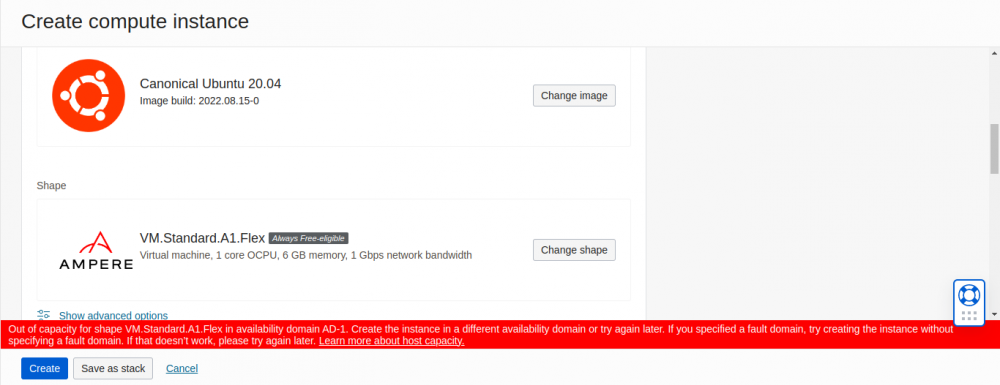
when a user attempts to create an arm instance in a popular region (ashburn, frankfurt, tokyo), the console almost invariably returns 500 internal server error: out of host capacity.
this is not a hard denial. it is a temporal state.
- capacity opens up constantly as other tenancies are terminated or hardware is added.
- the allocation logic is first-come-first-served (fcfs).
- a human cannot click fast enough to catch the 3-second window when a slot opens. an automated script polling every 60 seconds can.
details
the approach breaks into three parts: getting a valid account past the fraud checks, automating the instance grab, and then accessing what you provisioned without getting banned.
phase 1: identity engineering (the "clean room")
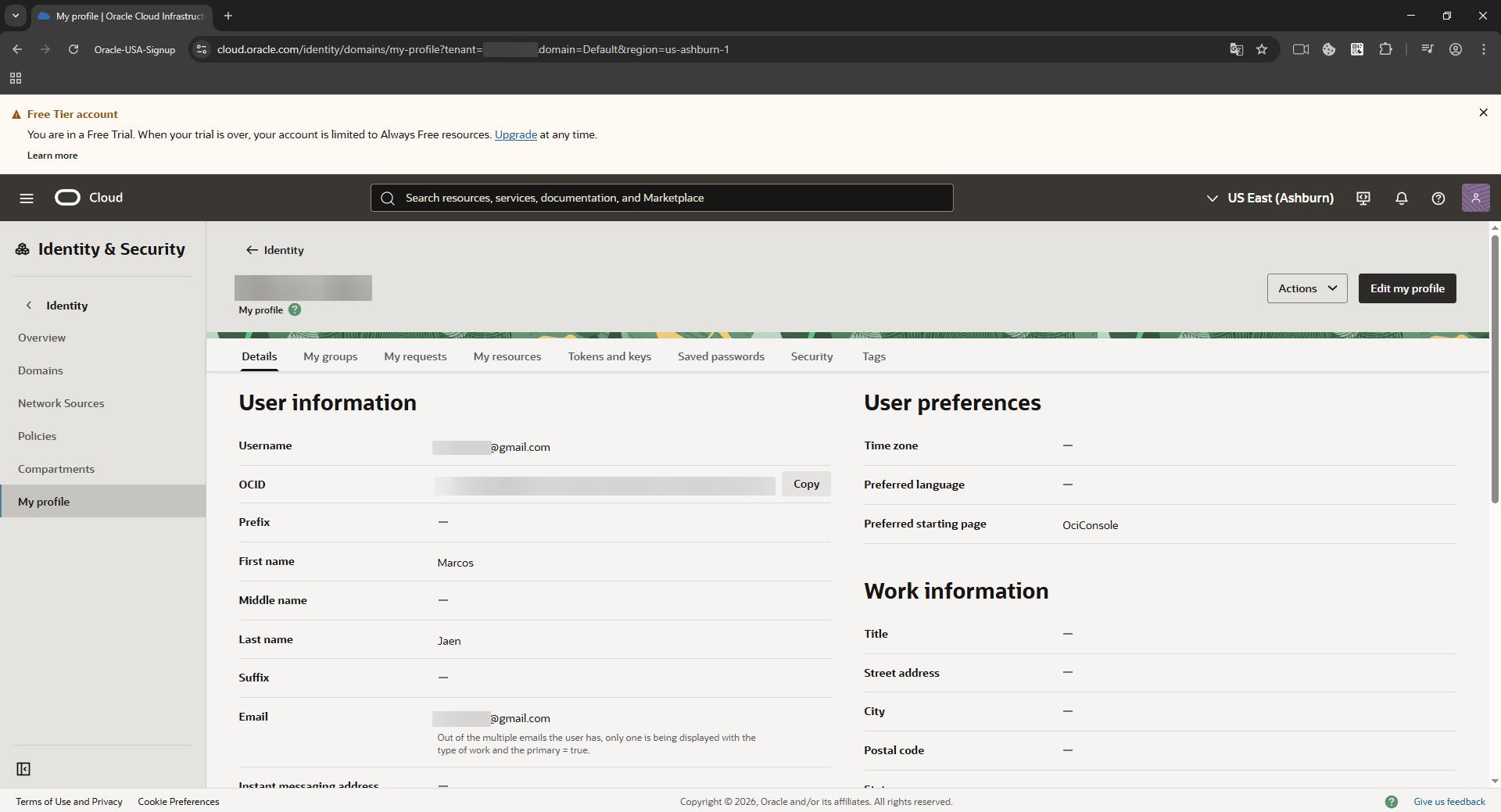
before any automation can run, you must possess a valid oci account. this is the hardest step. oracle's adaptive access manager (oaam) makes it painful.
the threat model
oaam aggregates data to generate a "fraud risk score":
- browser fingerprint: canvas hash, audiocontext, webgl renderer, fonts.
- network reputation: ip quality score, datacenter vs. residential, geo-velocity.
- payment consistency: bin country vs. ip country.
the bypass procedure
tools required:
dolphin{anty}, an anti-detect browser that spoofs hardware fingerprints.- a residential proxy, rotating or sticky residential ips, not vpns or datacenter ips.
- a payment method, ideally a physical card matching the proxy region.
steps:
- profile generation: in dolphin, create a new profile. set os to "windows" or "mac". the software generates unique, consistent noise for canvas/webgl to mimic a generic consumer device.
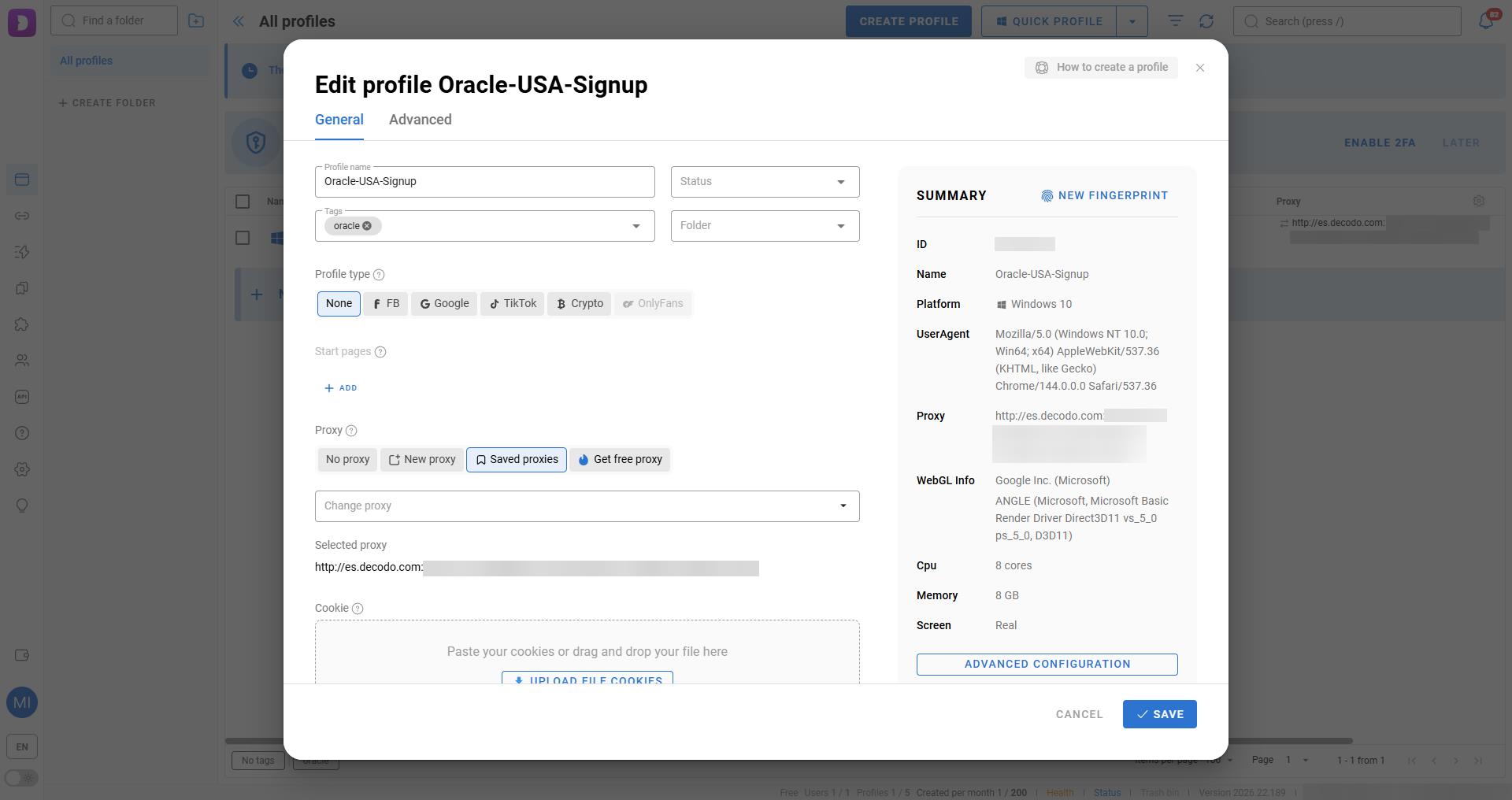
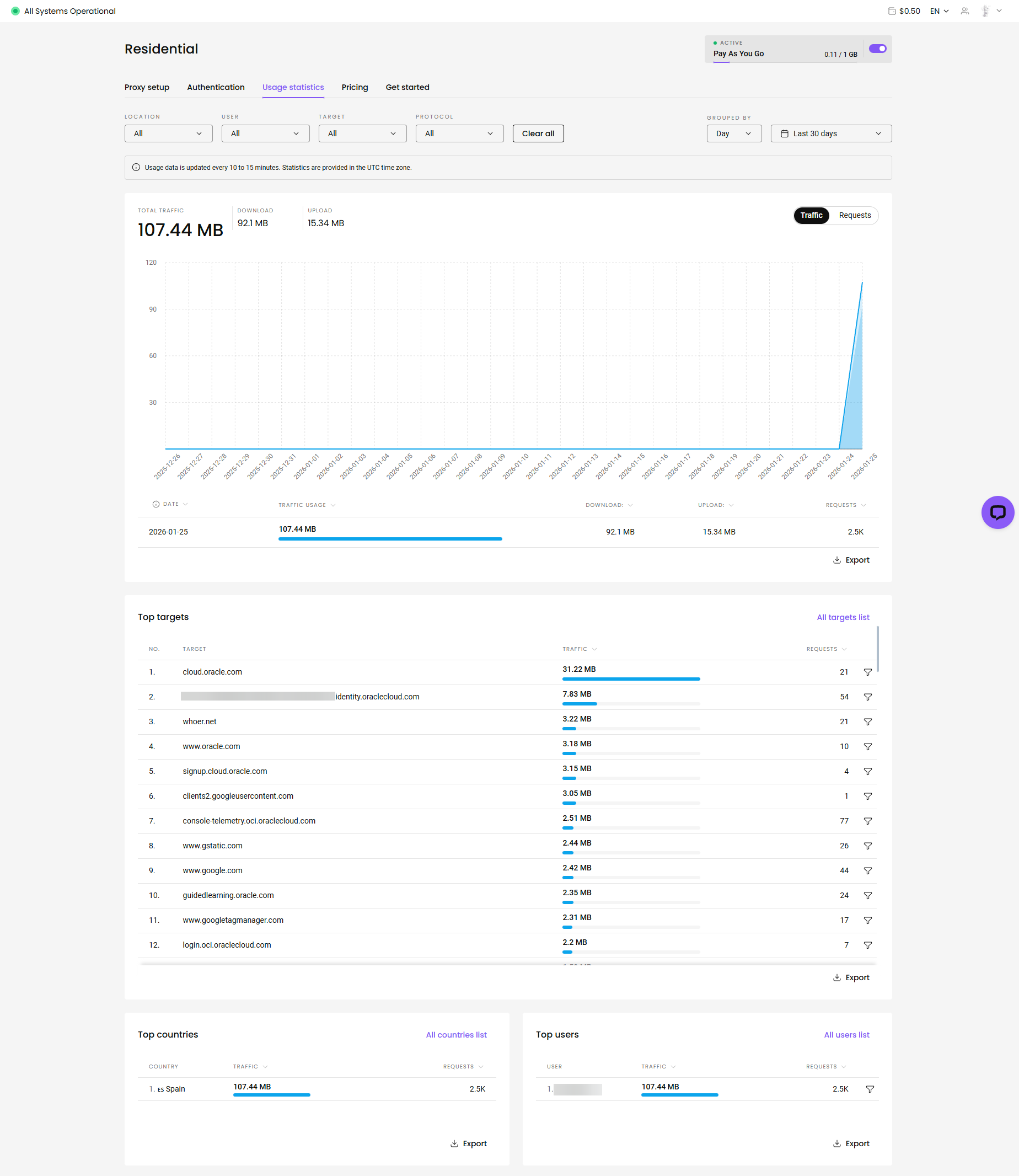
- network alignment: purchase a residential proxy (e.g., from decodo or similar providers). configure it as a sticky session (10-30 mins).
- critical: if the ip changes from madrid to barcelona during the credit card verification, the geo-velocity check fails -> account ban.
- execution: complete the signup flow inside this container. do not use your regular chrome/firefox.
- verification: once the "welcome to oracle cloud" email arrives, the identity is established.
phase 2: the sniper (technical implementation)
this phase moves the battle from the browser to the api. we deploy a persistent python daemon on a local server (nas/raspberry pi) to handle the race condition.
1. environment preparation
the attack runs on a low-power linux host.
directory structure:
/home/microck/oracle-sniper/
├── main.py             # the logic core
├── setup_init.sh       # process wrapper & monitoring
├── oci.env             # secrets configuration
├── oci_config          # oci sdk config
├── oci_api_key.pem     # your private api key
└── requirements.txt    # dependencies
2. authentication setup (oci_config)
bypass the gui entirely. generate an api signing key in the oracle console (user settings -> api keys).
oci_config:
[default]
user=ocid1.user.oc1..aaaa...
fingerprint=xx:xx:xx...
key_file=/home/microck/oracle-sniper/account_ashburn/oci_api_key.pem
tenancy=ocid1.tenancy.oc1..aaaa...
region=us-ashburn-1
3. attack configuration (oci.env)
this file controls the sniper's targeting parameters.
oci.env:
# target definition
oci_compute_shape=vm.standard.a1.flex
# ubuntu 22.04 aarch64 image ocid (region specific!)
oci_image_id=ocid1.image.oc1.iad.aaaaaaaa...
ocpus=4
memory_in_gbs=24

# network targets
# must pre-create a vcn and subnet in the console!
oci_subnet_id=ocid1.subnet.oc1.iad.aaaaaaaa...
assign_public_ip=true

# attack frequency
# < 60s risks "toomanyrequests" (429) rate limiting
request_wait_time_secs=60

# notification channels
discord_webhook=https://discord.com/api/webhooks/...
4. the logic core (main.py)
the script implements a specific state machine to handle oracle's error codes.
error handling: oracle returns specific codes when capacity is full. the script must distinguish between "fatal error" (config wrong) and "soft error" (try again).
def handle_errors(command, data, log):
    # these are not failures. they are "wait" signals.
    soft_errors = [
        "toomanyrequests",
        "out of host capacity",
        "internalerror",
        "bad gateway"
    ]

    if data["code"] in soft_errors:
        log.info(f"soft limit hit: {data['code']}. sleeping...")
        time.sleep(wait_time)
        return true # retry allowed

    # anything else is a real crash
    raise exception(f"fatal error: {data}")
launch loop:
def launch_instance():
    # loop until success
    while not instance_exist_flag:
        try:
            compute_client.launch_instance(...)
            # if we get here, we won.
            send_discord_message("🎉 sniped!")
            break
        except serviceerror as e:
            # handle the 500/429 errors
            handle_errors(...)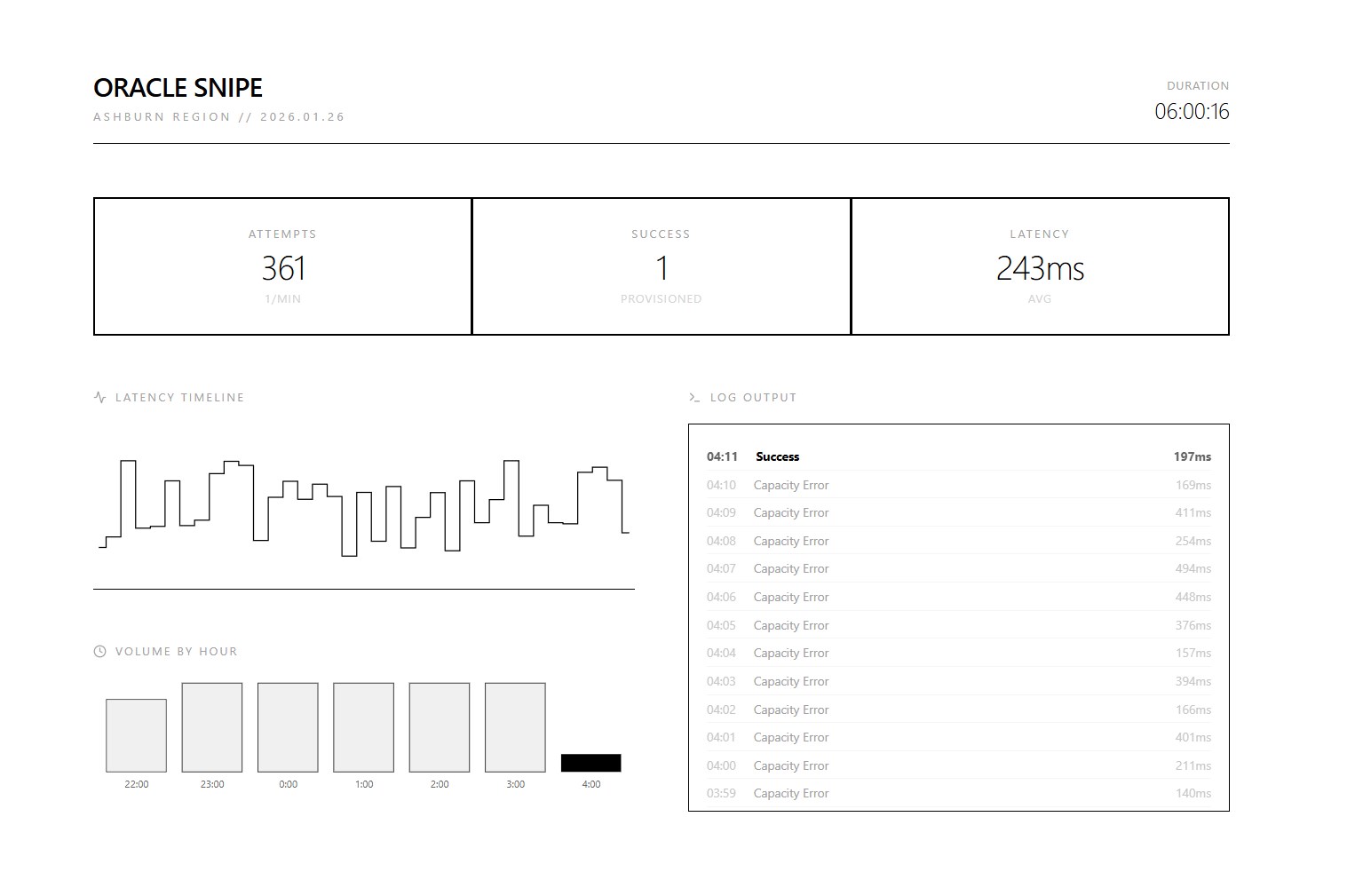
5. deployment
we use nohup (no hang up) to ensure the process survives ssh disconnection.
run:
chmod +x setup_init.sh
./setup_init.sh
to monitor logs:
tail -f launch_instance.logoutput (normal operation):
2026-01-25 22:11:03 - info - command: launch_instance-- output: {'status': 500, 'code': 'internalerror', 'message': 'out of host capacity.'}
2026-01-25 22:12:04 - info - command: launch_instance-- output: {'status': 500, 'code': 'internalerror', 'message': 'out of host capacity.'}
phase 3: stealth access (post-exploitation)
once the instance creates, accessing it carelessly will get you banned. if your "identity" ip (spain proxy) created the account, but your "access" ip (home ip) logs in via ssh, oracle links the two.
the "clean" link is simple: do not ssh directly. tunnel traffic through a neutral, trusted intermediary.
scenario:
- trusted host: existing
oracle-parisinstance (or any cheap vps). - target host: the new
oracle-ashburninstance.
~/.ssh/config:
# 1. the jump host (the mask)
host oracle-paris
    hostname 141.145.xxx.xxx
    user ubuntu
    identityfile ~/.ssh/id_rsa_paris

# 2. the target (hidden behind paris)
host oracle-ashburn
    hostname 10.0.0.x                # use private ip if vpn'd, or public ip
    user ubuntu
    proxyjump oracle-paris           # <--- the key
    identityfile ~/.ssh/id_rsa_ashburn
traffic flow:
home pc -> (encrypted) -> paris vps -> (encrypted) -> ashburn instance
to oracle's logs in ashburn, the connection comes from the paris ip, not your home ip.
evidence of success
here is what the logs looked like when it finally worked:
instance_created:
instance id: ocid1.instance.oc1.iad.anuwcljt6jdfblacplxseahalwablmit2csfvgj3gx47n5npd23d5zwnuega
display name: ashburn-sniper-instance
availability domain: mnay:us-ashburn-ad-1
shape: vm.standard.a1.flex
state: provisioning
the script grabbed the instance and sent a discord alert. done.
what oracle could do about this
there are obvious fixes. require a proof-of-work challenge (hashcash style) on the launch_instance endpoint so polling gets expensive. correlate login and api ip addresses with billing geography after signup, not just during it. or replace the first-come-first-served 500 errors with an actual waitlist.
references
- oracle cloud infrastructure python sdk
- oaam (oracle adaptive access manager) documentation
dolphin{anty}anti-detect browser